From Complex DSL to Navigable Living Architecture
 by Guillermo Quiros
C4 diagrams are only useful when teams can actually navigate and maintain them. Otherwise, architecture becomes another source of confusion.
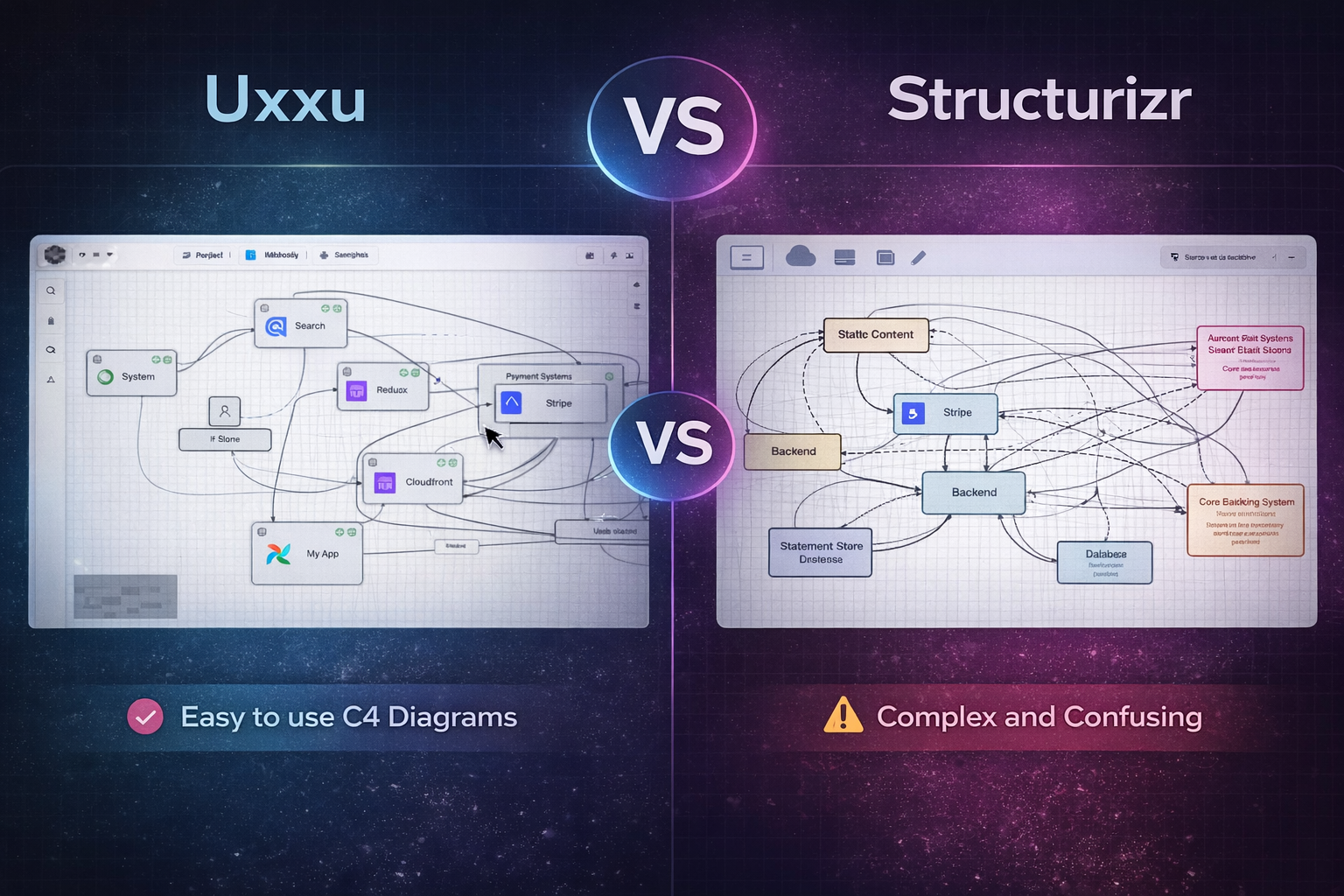
A Tool Built for the C4 Model
Structurizr is one of the best-known tools for teams working with the C4 model.
And to be fair, it does one thing extremely well.
It takes architecture seriously.
Unlike generic diagram tools, Structurizr understands the structure of software systems.
It supports clear levels such as:
- System Context
- Containers
- Components
- Deployment views
For teams already familiar with C4, this is a major advantage.
The architecture already begins with meaning.
That is a big step forward compared to general-purpose drawing tools.
The Power of the DSL
One of Structurizr’s strongest features is its language and DSL.
This is genuinely one of its best ideas.
Instead of manually drawing boxes and arrows, teams can describe architecture as code.
This makes it possible to version diagrams, review changes, and maintain architecture definitions inside repositories.
For technical teams, this is powerful.
It allows:
- version control
- pull request reviews
- reusable architecture definitions
- infrastructure-as-code style workflows
This is something many architecture teams appreciate.
And honestly, it is one of the best things Structurizr offers.
Where Complexity Starts Hurting
The problem begins when the tool starts becoming difficult to use.
While the DSL is powerful, it is also intimidating for many teams.
Especially for:
- product teams
- engineering managers
- architects working with non-technical stakeholders
- onboarding developers
The learning curve can be steep.
Instead of focusing on architecture discussions, teams often spend time learning the tool itself.
This creates friction.
The architecture workflow starts feeling heavier than it should.
When Diagrams Multiply
This is where a much bigger problem appears.
As systems grow, so do diagrams.
A single architecture quickly becomes:
- context views
- container diagrams
- component views
- deployment maps
- subsystem breakdowns
- integration flows
Soon the number of diagrams can grow into the dozens.
Sometimes even hundreds.
At that point, teams start asking:
“Where exactly am I?”
This is where many architecture tools begin to fail.
And Structurizr can suffer from this as well.
Getting Lost in Hundreds of Diagrams
One of the biggest frustrations with large architecture environments is simply losing orientation.
You open one view.
Then another.
Then another.
Then a component breakdown.
Then an integration view.
After a while, it becomes difficult to understand how the diagrams relate.
This is not what architecture documentation should do.
The goal is clarity.
Not confusion.
If teams start getting lost across hundreds of diagrams, the documentation stops being helpful.
It becomes a maze.
Where Uxxu Changes the Experience
This is where Uxxu introduces a major usability difference.
Like Structurizr, Uxxu is specialized for software architecture and works extremely well with the C4 model.
But the experience is much more navigable.
Instead of isolated views, diagrams are connected through clear drill-down and upward navigation.
This changes everything.
You always know:
- where you are
- what system level you are viewing
- what sits above
- what deeper layers exist below
This dramatically improves usability.
Drill-Down and Upward Navigation
This is probably the most important difference.
In complex architectures, navigation matters as much as modeling.
With Uxxu, you can move naturally through layers such as:
- Context
- Containers
- Components
- Deployment
And just as importantly, you can move back up.
This prevents the “lost in architecture” problem.
The diagrams feel connected.
The system remains explorable.
This is one of the biggest usability gaps compared to tools that focus primarily on model definition.
The Diagram Map Advantage
Another key strength is the diagram map.
This helps teams visualize how diagrams relate to each other.
Instead of a flat list of architecture views, the documentation becomes a structured navigation system.
This is especially useful for large systems.
When teams work with many services and domains, the diagram map acts as orientation.
You never lose sight of the bigger picture.
That is a huge practical improvement.
From Architecture as Code to Living Documentation
Structurizr is excellent for architecture-as-code workflows.
That remains one of its strongest capabilities.
But Uxxu brings something equally valuable:
living architecture documentation
The diagrams are not just generated views.
They become a navigable and continuously useful knowledge layer for the team.
This improves:
- onboarding
- architecture reviews
- system understanding
- collaboration
- long-term maintenance
The documentation evolves with the system.
And more importantly, it remains easy to use.
Conclusion
Structurizr is a powerful architecture tool.
Its DSL and C4 support make it a strong option for technically mature teams.
But power often comes with complexity.
As the number of diagrams grows, usability and navigation become critical.
This is where Uxxu stands out.
It combines structured C4 modeling with drill-down navigation, diagram maps, and living documentation workflows.
Because architecture should help teams find clarity.
Not get lost in hundreds of diagrams.
When Structurizr is the better fit
Structurizr remains a strong choice for teams that want architecture-as-code first.
If your workflow is centered on:
- writing architecture definitions in a DSL
- storing the model in Git
- reviewing architecture changes in pull requests
- keeping diagrams close to code repositories
then Structurizr has real advantages.
For some teams, that is exactly the right trade-off.
The challenge is that architecture is rarely consumed only by the people who can comfortably maintain a DSL.
As soon as the audience expands to product leaders, platform teams, support teams, or new engineers, ease of navigation becomes just as important as model correctness.
A simpler way to evaluate the trade-off
The fastest way to compare the tools is to ask two questions.
- Does your team primarily need architecture-as-code authoring?
- Or does your team primarily need navigable architecture documentation?
If the first question dominates, Structurizr may be the better fit.
If the second question dominates, Uxxu usually has the edge.
That distinction matters because many teams choose a modeling tool based on authoring preferences, then discover later that reading and navigating the architecture is the harder problem.
Frequently Asked Questions
Is Structurizr good for the C4 model?
Yes. Structurizr is one of the strongest C4-focused tools available. Its model, DSL, and terminology align closely with the C4 approach, which makes it a serious option for teams that want architecture-as-code workflows.
Why would a team choose Uxxu instead of Structurizr?
Teams usually choose Uxxu when navigation, discoverability, and ongoing usability matter more than authoring diagrams through a DSL. Uxxu is especially strong when many people need to explore architecture, not just define it.
Can technical teams still prefer Structurizr?
Absolutely. Teams with strong Git-based workflows and comfort with textual architecture definition may prefer Structurizr. The main question is whether the broader organization can also consume the architecture easily.
Is this comparison about drawing quality?
Not really. Both tools take architecture more seriously than generic diagramming apps. The more important difference is workflow: Structurizr is very strong on definition and modeling, while Uxxu emphasizes navigation, connected views, and living documentation.